Get paid by MoMo, card, link, QR code or invoice.
Your own link, pages, invoices and a checkout for your website, paid out to your MoMo wallet or bank.
- Free to sign up
- No monthly fee
- Paid out to MoMo or bank
- MTN MoMo
- Telecel Cash
- AT Money
- Visa and Mastercard
- MTN MoMo
- Telecel Cash
- AT Money
- Visa
- Mastercard
- Payment links
- QR codes
- Payment pages
- Invoices
- Checkout
- Payouts
Your own link, in seconds
Every account comes with its own link. Type your business name to see yours, and the page your customers open when they tap it.
xtopay.me/nanaskitchen
Ready to share
Or try
What your customers see
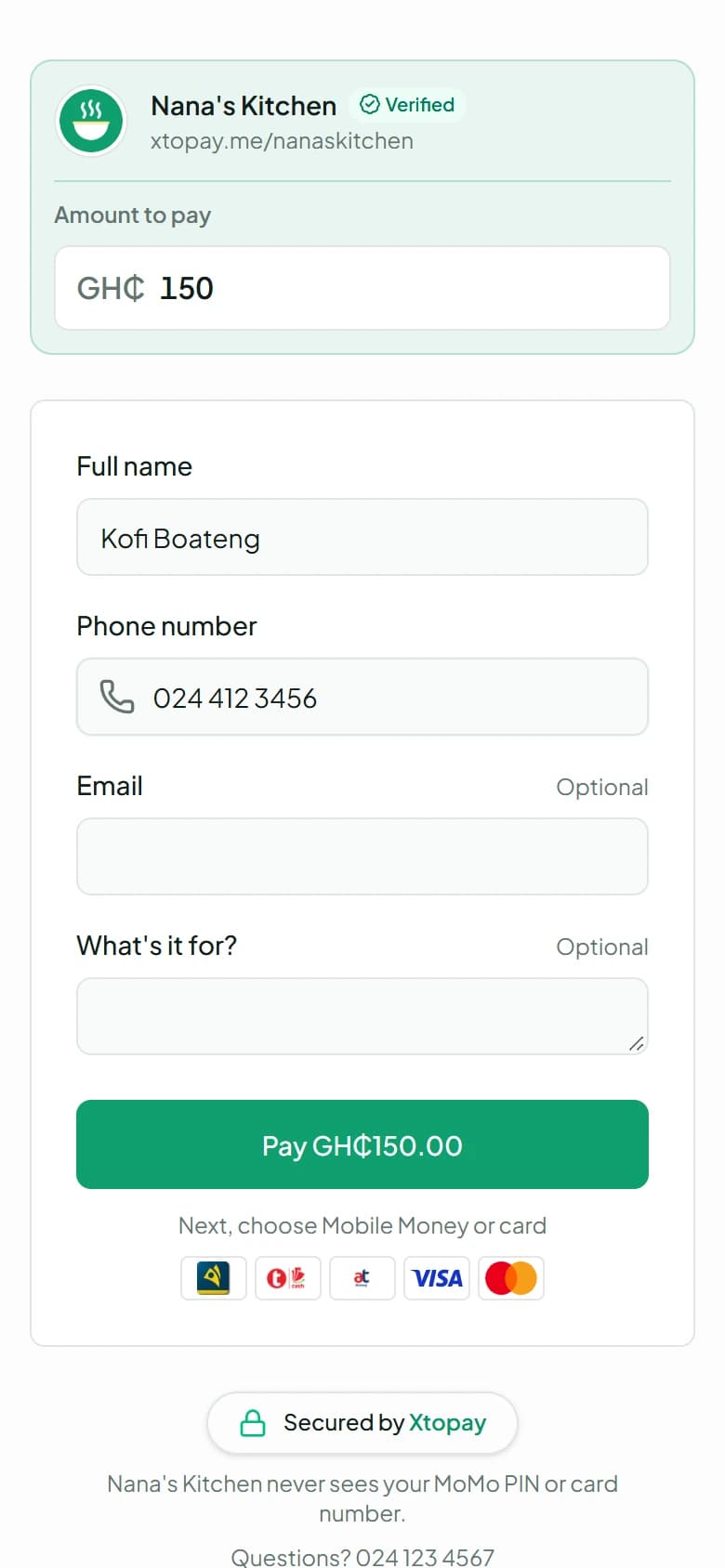
No app and no account. They open your link on their phone, pay by MoMo or card, and they're done. These are the real screens.
02 / 04
Or your page
Your menu, your tickets or your cause: they choose, and answer your questions.
Payment pages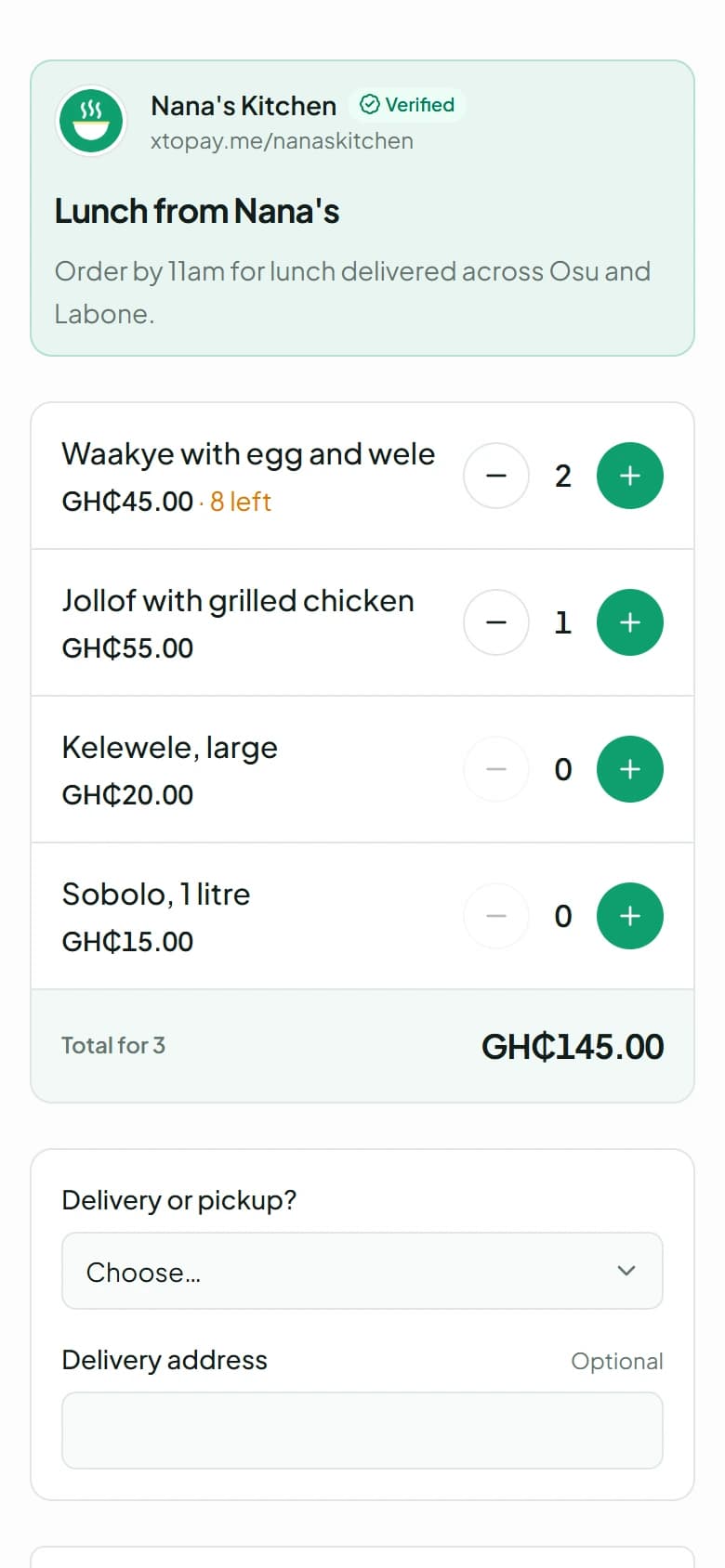
03 / 04
The checkout
MoMo or card. MoMo is approved with their own PIN, on their own phone.
Online checkout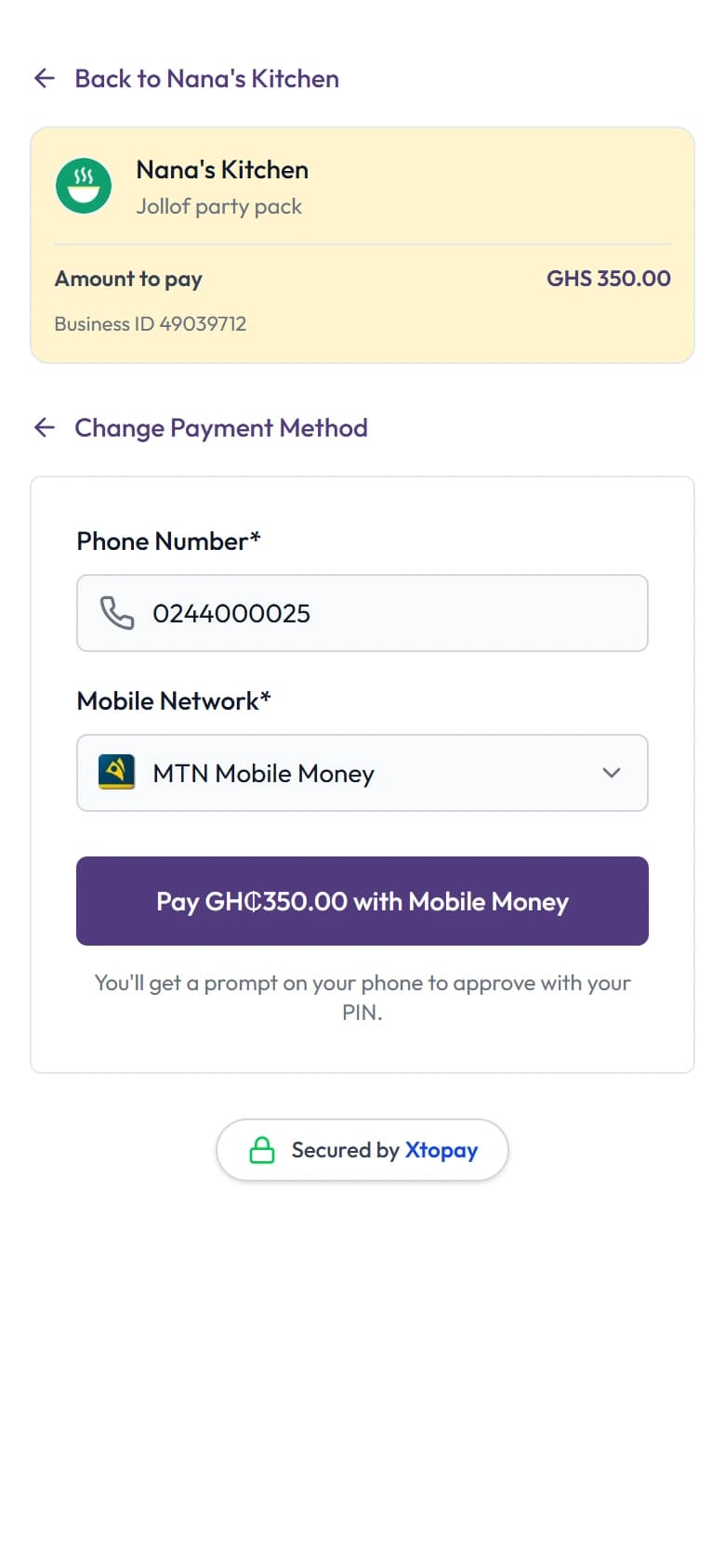
04 / 04
Paid
They see your thank-you. You see the payment, and the money joins your balance.
Your dashboard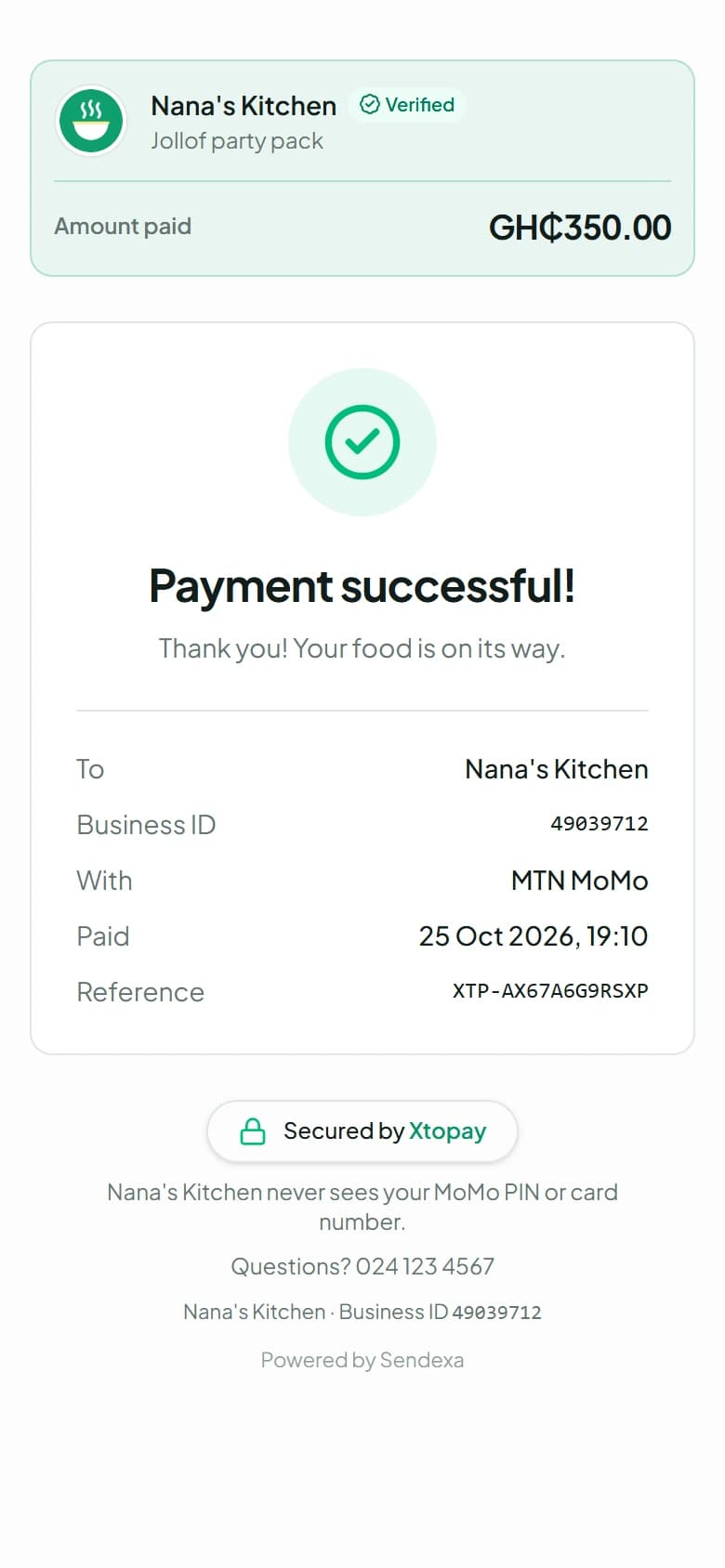
Everything you need to get paid
Nine products that work on their own or together. Start with your link, and add the rest as your business grows.
Xtopay at a glance
What every account comes with on its first day. No volumes or customer counts yet: they'll go here when they're real.
Built by Sendexa, in Ghana4ways for customers to pay
MTN MoMo, Telecel Cash and AT Money with a PIN on their own phone, or a Visa or Mastercard.
5ways to get paid
Your own link, payment pages, invoices, a checkout for your website and the API.
GH₵0to sign up
And no monthly fee. Your customers pay a small fee on top of your price unless you choose to, and nothing is charged when a payment fails.
24hbefore a new payout account is paid
So a change you didn't make can be stopped. Every change to where your money goes is emailed to the owner.
Customers pay the way they already do, by MoMo or card. You see every payment, our fee and what's yours. Then it's paid out to your wallet or bank, when you choose.
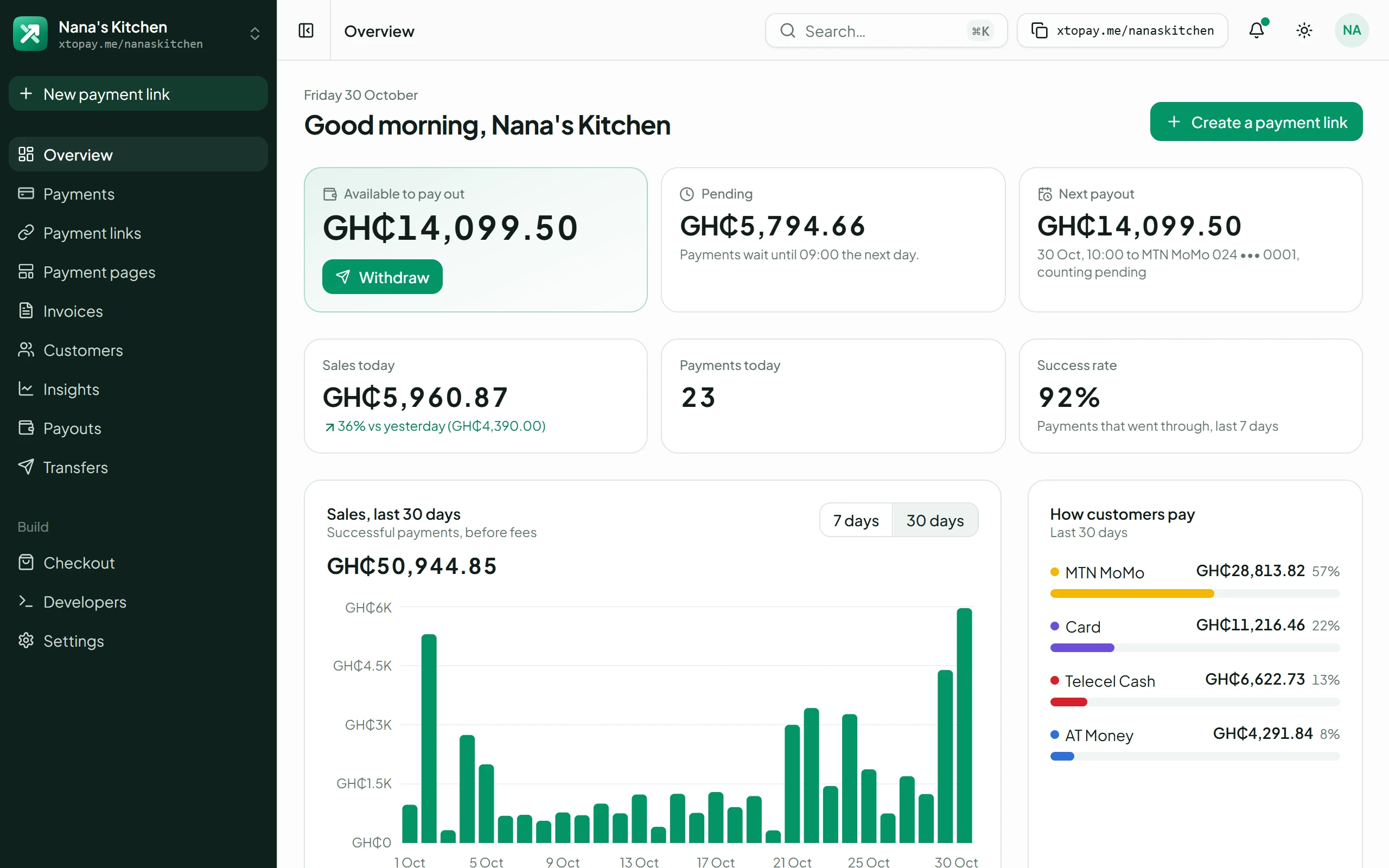
Run it all from one dashboard
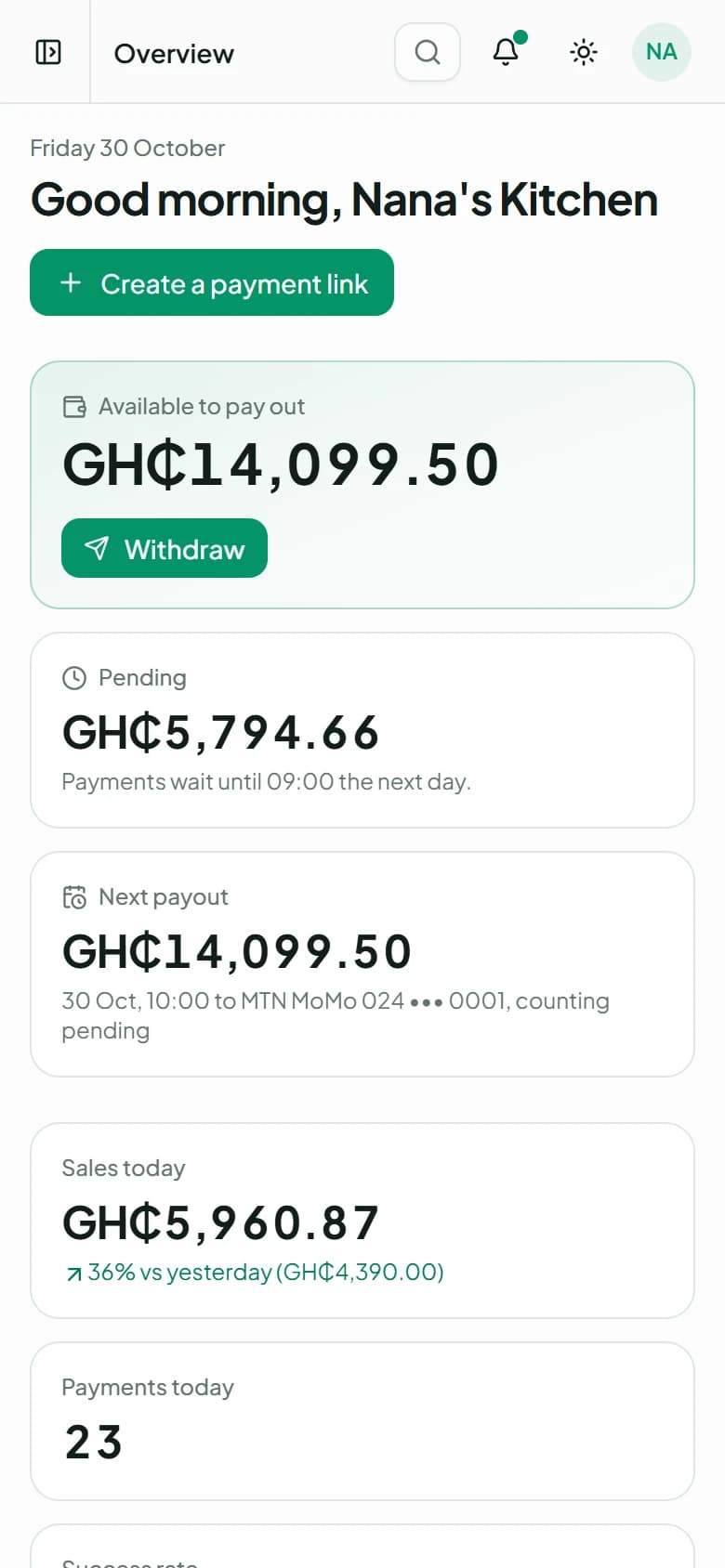
What you can pay out, what's still pending, today's sales and every payment, the moment you sign in.
Your money at a glance
Available, pending and your next payout, with today's sales beside them.
Insights
Who visits, who pays, and where they came from.
Every payment, explained
Who paid, how, for what, and the fee. Search it, filter it, export it.
Your team, with roles
Admins, developers and viewers, each signing in as themselves.
An email for every payment
And for every payout, and anything that changes where your money goes.
From their phone to your bank
No app to install and no account to open. Your customers pay with the money they already use, and it reaches you on your schedule.
Mobile money
They approve a prompt on their own phone with their own PIN.
Cards
Visa and Mastercard, typed on the card provider's secure page, never on ours.
First, they pay from their phone
By MoMo or card, from your link, your page, an invoice or your website.
Then it's checked, and it's yours
We ask the provider before a payment is marked paid. Then it joins your balance.
Then it's paid out to you
To your MoMo wallet or bank, on the schedule you choose or whenever you ask.
Built to be trusted with money
None of it is a setting to find. It's how every account works, from the first day.
Two-step sign-in
A code from an authenticator app as well as a password. Owners must use it, and can require it of the whole team.
Payout accounts, checked
Only the owner adds them. We look up the registered name first, and a new one waits 24 hours.
Payments, confirmed
Marked paid only after we've asked the payment provider, never on a message alone.
Card numbers never reach us
Customers type them on the card provider's secure page.
A fresh code for what matters
Withdrawals, payout accounts and live keys ask for a code, even when you're signed in.
Keys locked to your servers
Live API keys can be limited to your own servers' IP addresses.
Built for the way you sell
Whatever you sell and however you sell it, there's a way for your customers to pay you.
Every account comes with
Getting paid
Your money
Your team
Free to sign up
No monthly fee. Your customers pay 1.95% by MoMo or 2.9% by card on top, or you can pay it yourself.
What people ask first
Who can use Xtopay?
Businesses and individuals in Ghana. Sign up as a business, or just as yourself if you sell on your own.
Which payments can I accept?
MTN MoMo, Telecel Cash and AT Money, plus Visa and Mastercard cards.
How do I get my money?
Your balance is paid out to your MoMo wallet or bank account, on a schedule you choose or whenever you ask.
What does it cost?
Signing up is free, with no monthly fee. Your customers pay a 1.95% fee by MoMo or 2.9% by card on top of your price, shown before they pay, unless you choose to pay it yourself. Failed payments cost nothing.
Can my team use it too?
Yes. Invite people as admins, developers or viewers. Each signs in with their own account, and you can require two-step sign-in for everyone.
Can I send money as well as receive it?
Yes. Payouts send your balance to your own MoMo wallet or bank account, and transfers let your system pay other people through the API.