The Xtopay app, for everyone
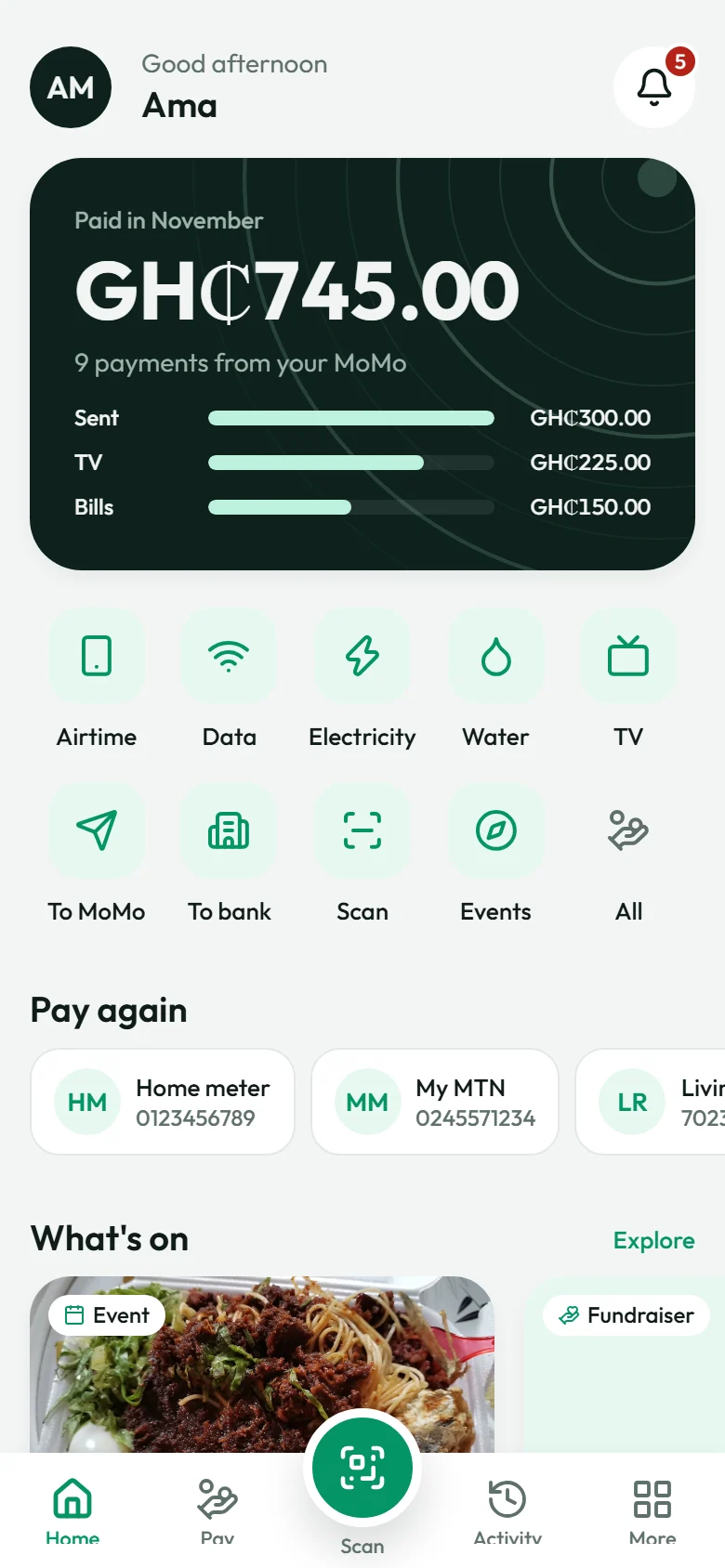
Buy airtime and data, pay ECG, Ghana Water and TV, send money to any MoMo wallet or bank, and pay Xtopay businesses with a scan. All from your own MoMo, with a PIN only you know.
On this page
Xtopay started with businesses: a link to get paid, a dashboard to see it. But every business's customers are people, and they have bills of their own. So we've built the Xtopay app, for everyone. It's coming to Android and iPhone; we'll post here the day you can download it.
Your phone number is your account
Open the app and type your number. We send you a code by SMS, you choose a 4-digit PIN, and that's your account. The app won't take an obvious PIN like 1234 or 0000, and five wrong tries lock sign-in for half an hour. You can lock the app with your face or your fingerprint too.
Bills, without the queue
- Airtime for any network, up to GH₵100 at a time.
- Data bundles, straight from each network's list.
- ECG prepaid, for the meters linked to your number.
- Ghana Water, with your meter's bill shown first.
- TV: DStv, GOtv and StarTimes, with the name on the account shown so you know you've got the right one.
Save the numbers, meters and smartcards you pay often, and Pay again puts them on your home screen.
Everything you can pay 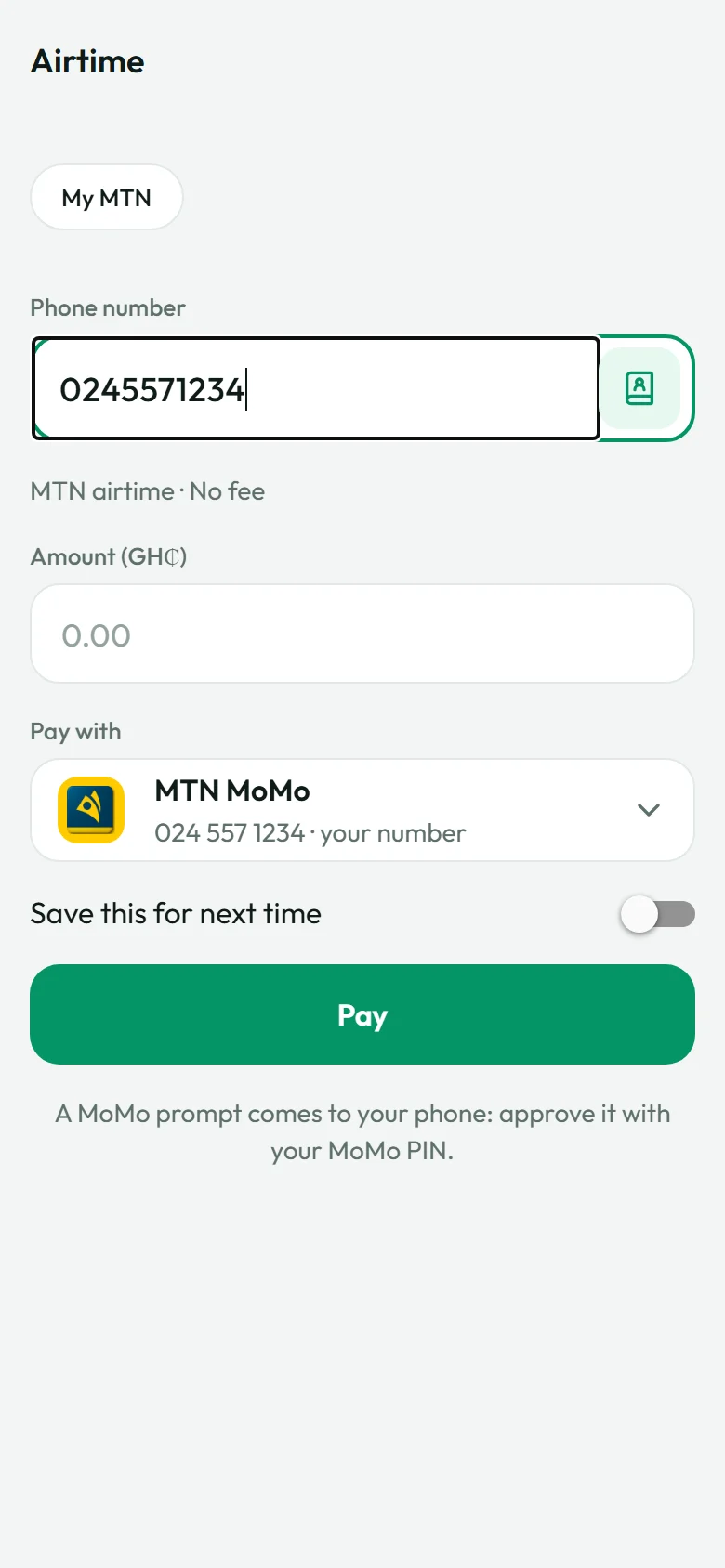
Airtime, paid from your MoMo 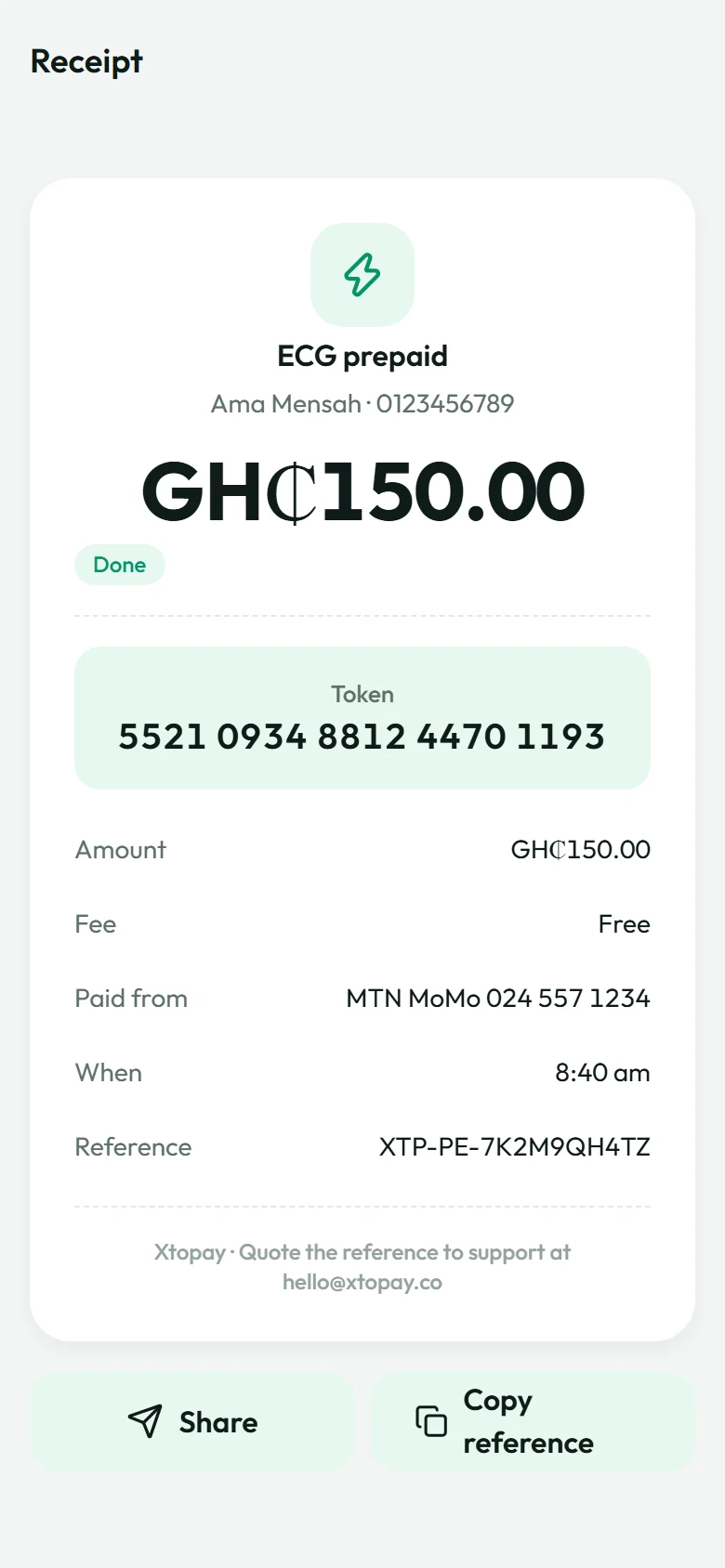
A receipt, with the token
Send money to anyone
Send to any MoMo wallet or any bank account in Ghana. Pick someone from your contacts or type their number, and we look up the name it's registered to before you send, so you can see it's going to the right person. Your contacts stay on your phone: the only thing that leaves it is the number you choose.
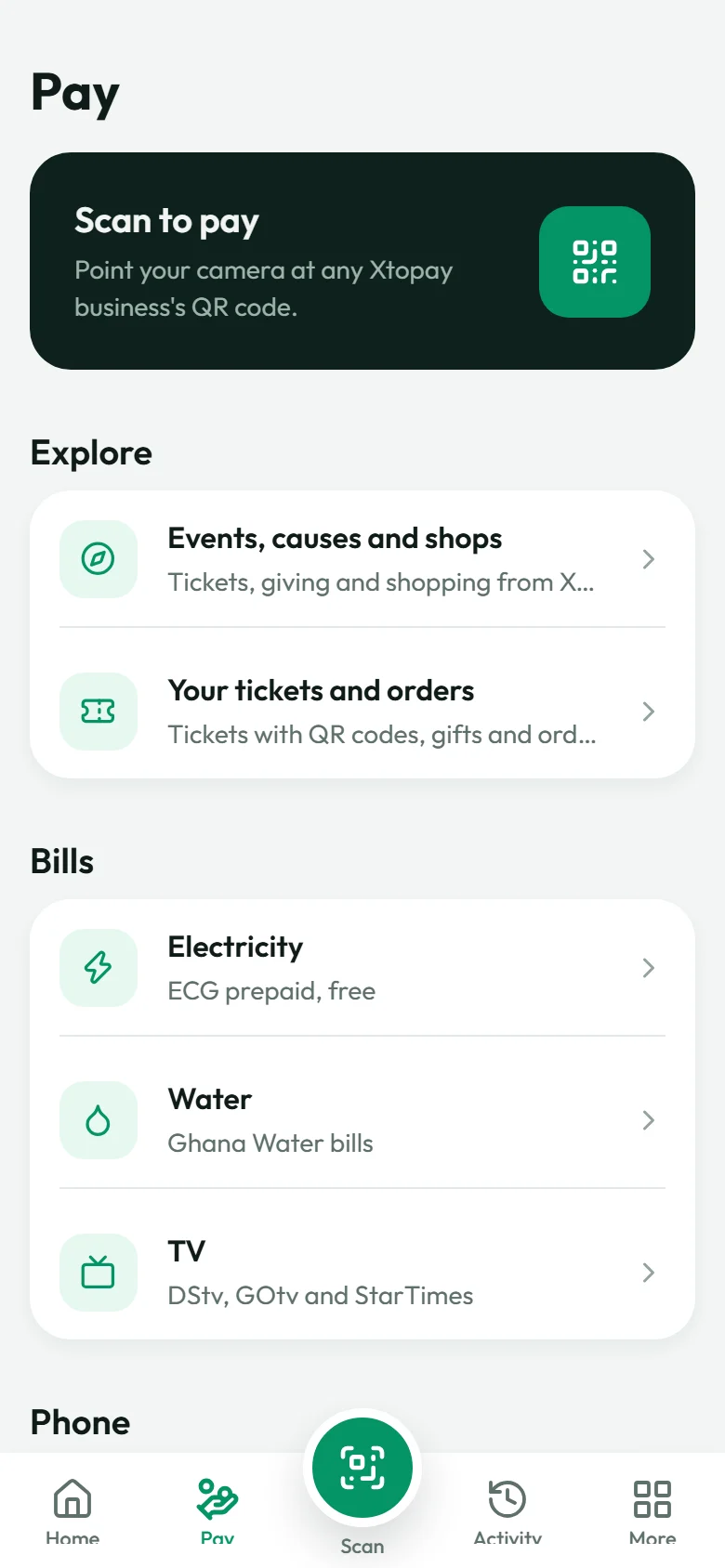
Scan to pay
The big button in the middle scans an Xtopay business's QR code and opens its page, so you can pay the shop, the salon or the church without typing their number. It only opens Xtopay's own codes.
Events, causes and shops
Explore shows what Xtopay businesses are selling and raising money for: tickets to events, fundraisers and shops. Buy tickets, order products or give, right in the app. Your tickets, with their QR codes for the door, are under Tickets and orders, along with what you gave and how the fund is doing.
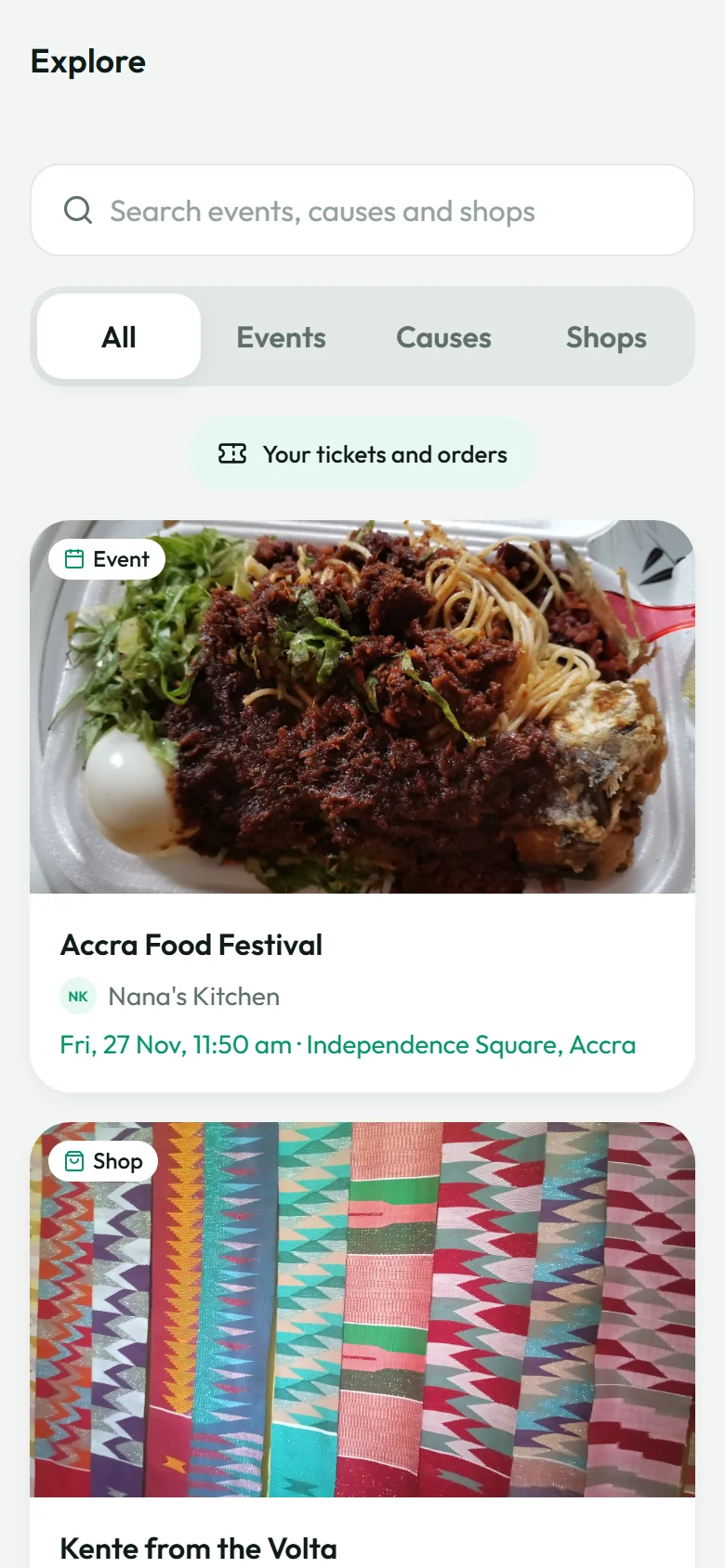
Explore
How you pay
Everything is paid from your own MoMo when you do it: you see the price, the fee and the total, then a prompt comes to your phone and you approve it with your MoMo PIN. Once it's paid, your airtime, bill or transfer goes through. If anything can't be done, all of your money goes back to your MoMo. Every payment has a receipt to share, and Activity keeps them all.
For businesses
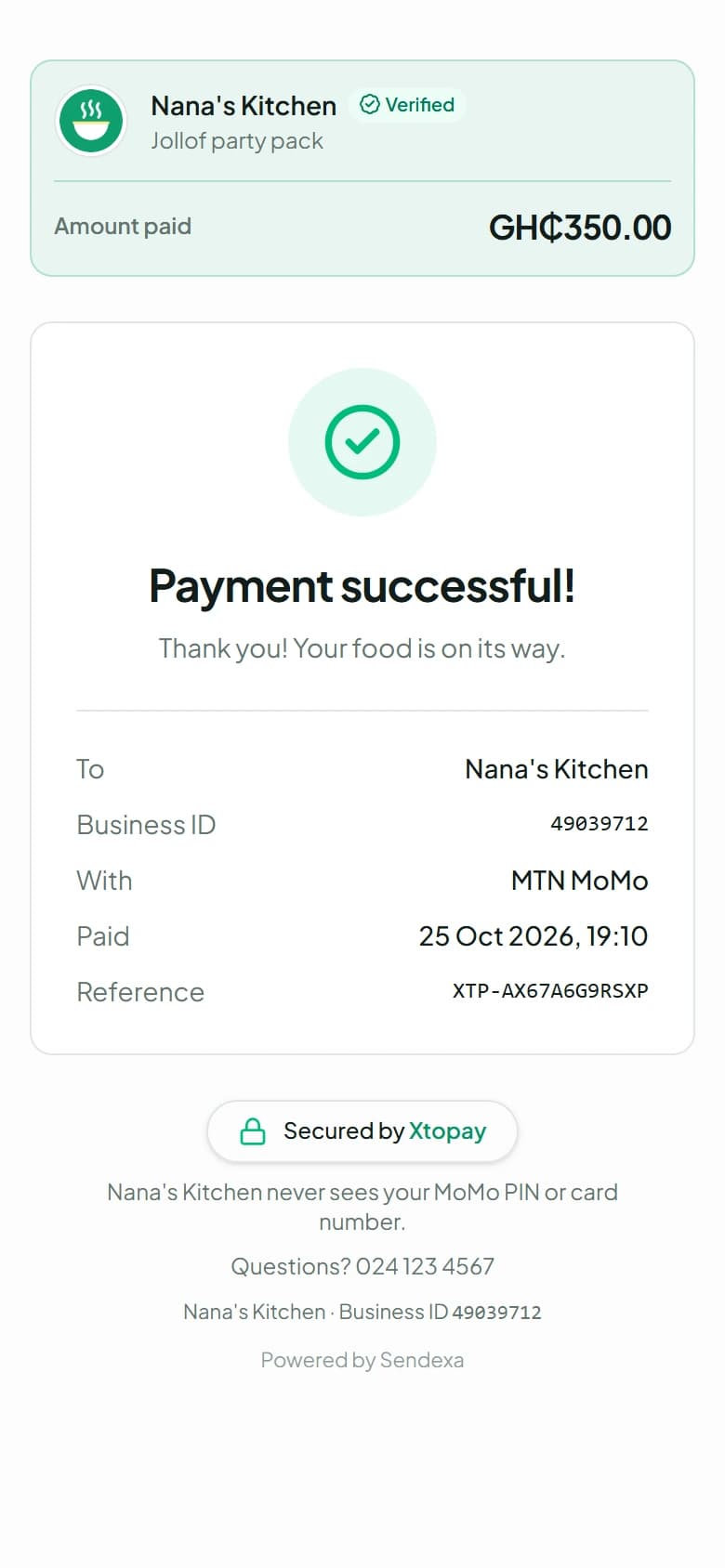
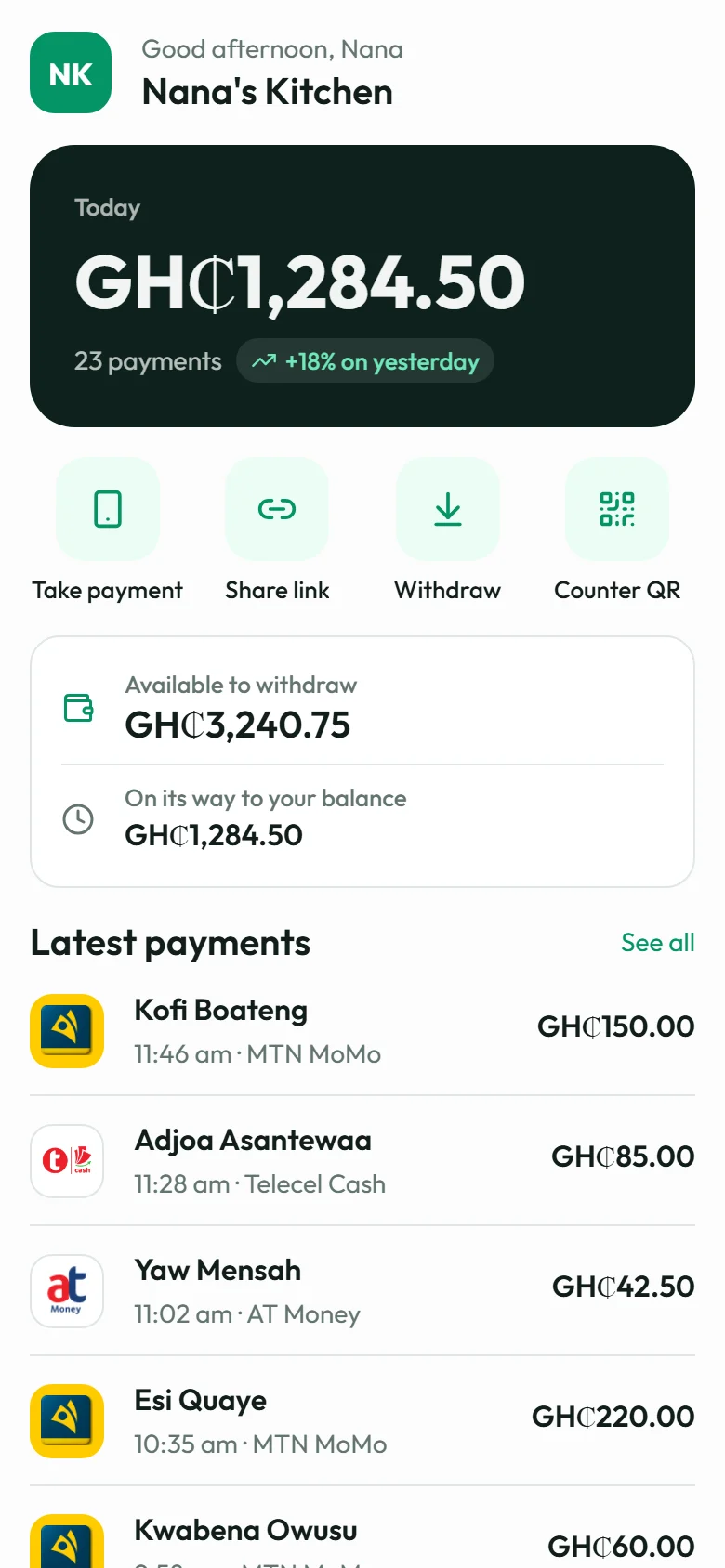
If you run a verified business on Xtopay, your live payment pages appear in Explore: events until they're over, fundraisers and shops. People pay you through the app by MoMo, just as they would on your page, and you see their payments in your dashboard as usual.
What's next
We're working on more for the app, including crypto, which is still in development. We'll write about each as it's ready.