Xtopay Merchant, on your phone
Xtopay Merchant, our app for businesses, puts your counter in your pocket. Take a MoMo payment in person, show a QR code with the amount in it, see today's takings and withdraw, from your phone.
On this page
Your xtopay.me link works wherever your customers are. But a lot of selling in Ghana still happens across a counter: at the shop, the salon, the chop bar, the stall at a church harvest. For those moments we've built Xtopay Merchant, an app for your phone. It's coming to Android and iPhone, and we'll post here the day it's in the stores.
Sign in with your Xtopay account
There's nothing new to set up. You sign in with the email and password you use on the dashboard, then the code from your authenticator app, and you're in your business. Your team signs in with their own accounts, as they do on the web.
Take a payment in person
Type the amount on the keypad, then choose how your customer pays.
A MoMo prompt. Type or ask for their number: the app recognises the network, and you can change it. Add their name if you like; without one, we fill in the name their number is registered to. A prompt goes to their phone, they approve it with their PIN, and the app shows you the moment it's paid, or tells you if it failed.
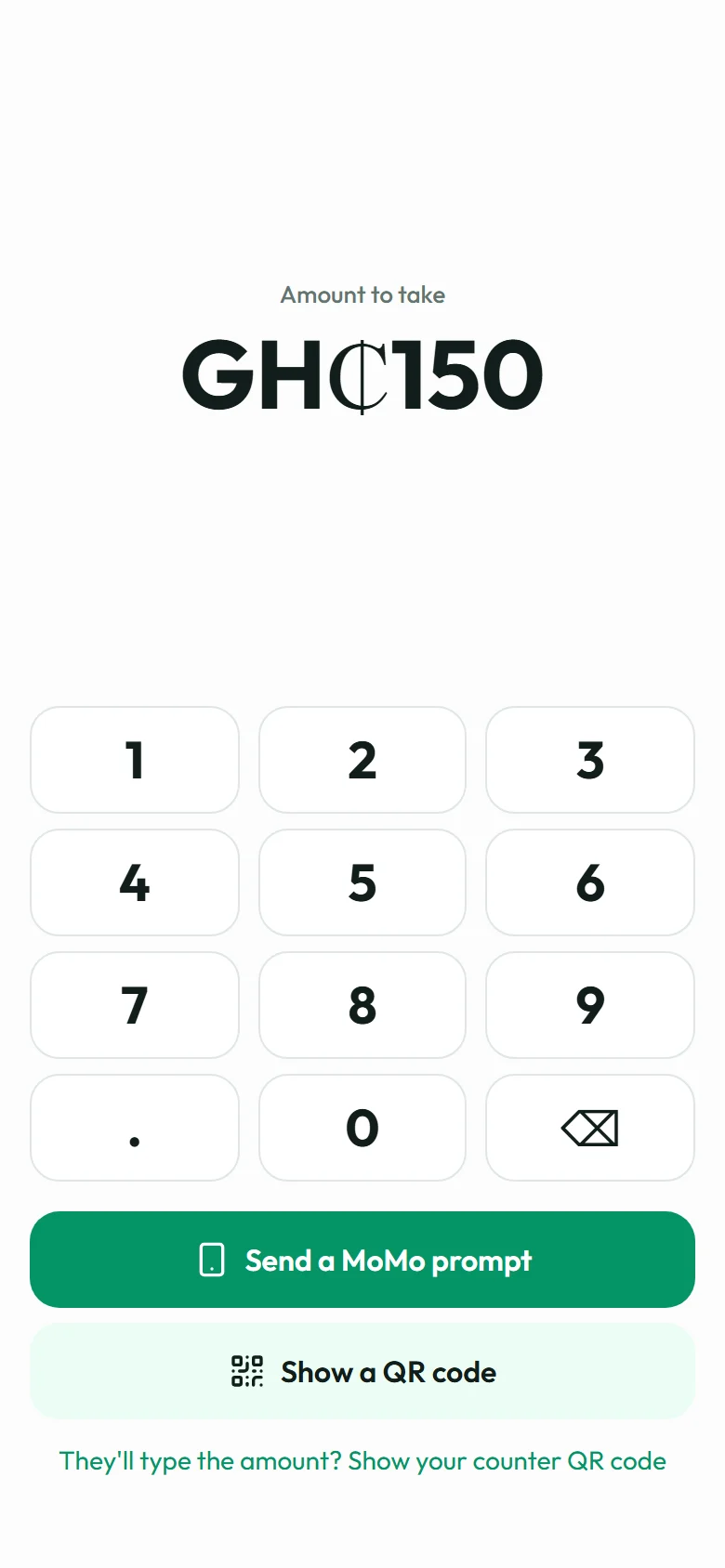
Type the amount 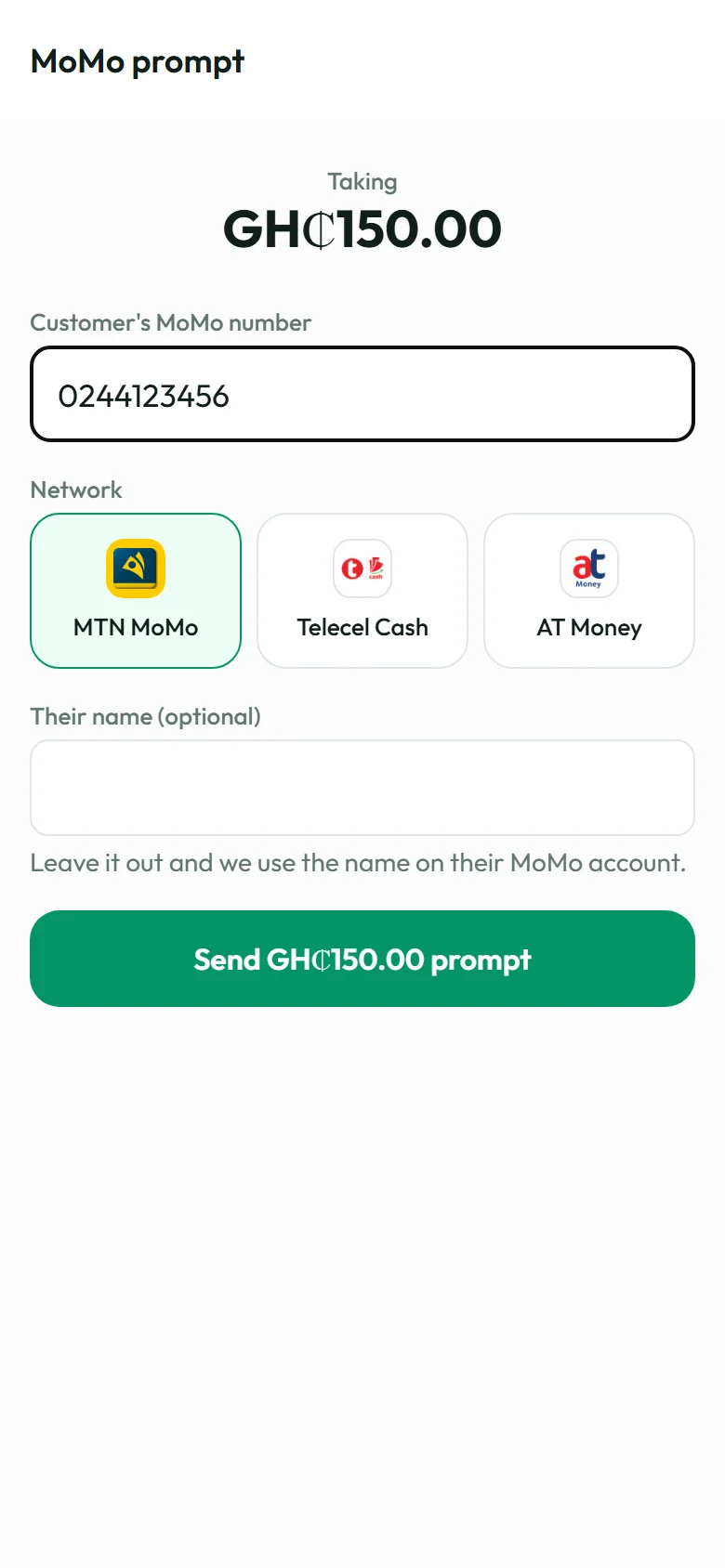
Their number 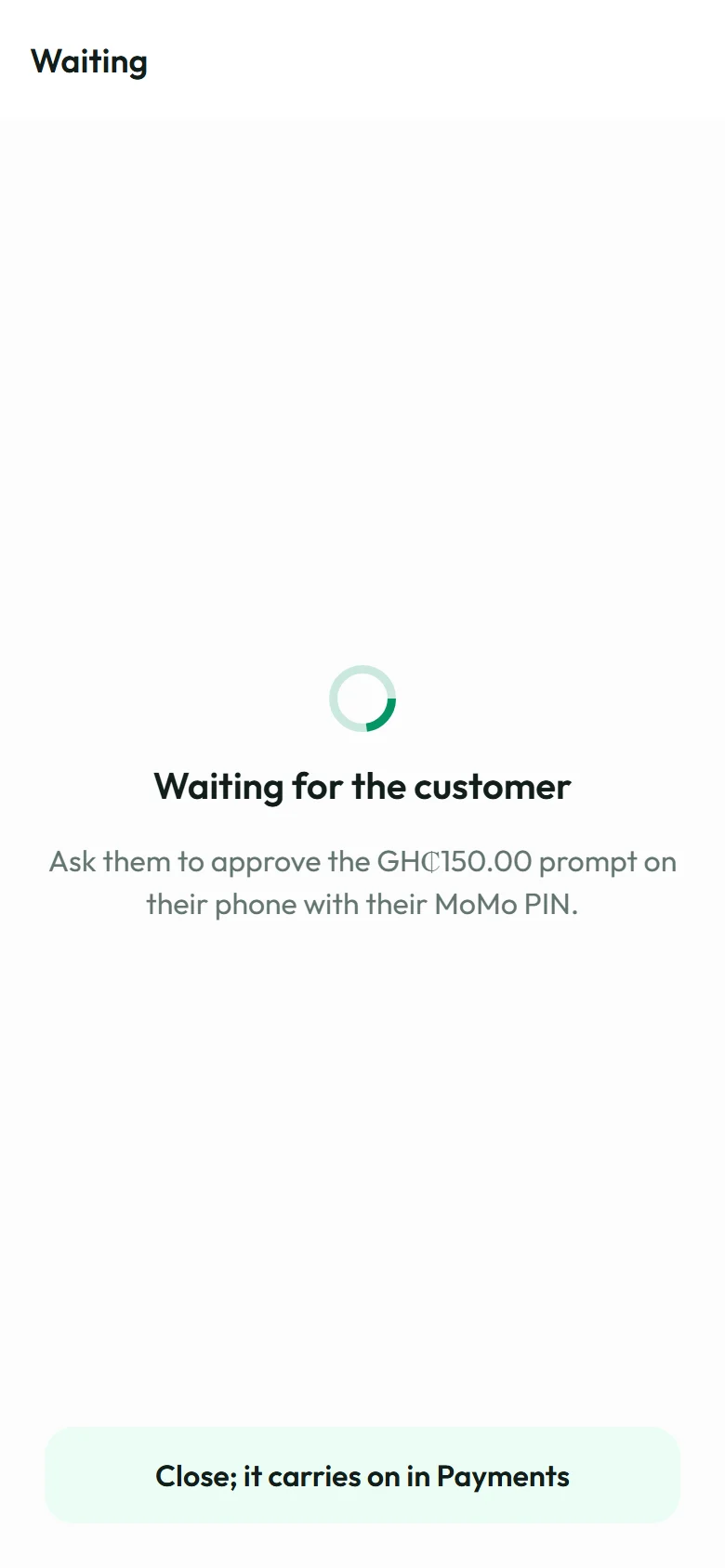
They approve it
A QR code. The app shows a QR code of your page with the amount already filled in. Your customer scans it with their camera and pays on their own phone, so they never have to tell you their number.
A QR code for your counter
For the days you're too busy to type amounts, the app makes a card of your QR code, in your business's colour with your logo, to print or save as a PDF and share. Stick it on the counter: customers scan it, type what they owe and pay. You see each payment come in.
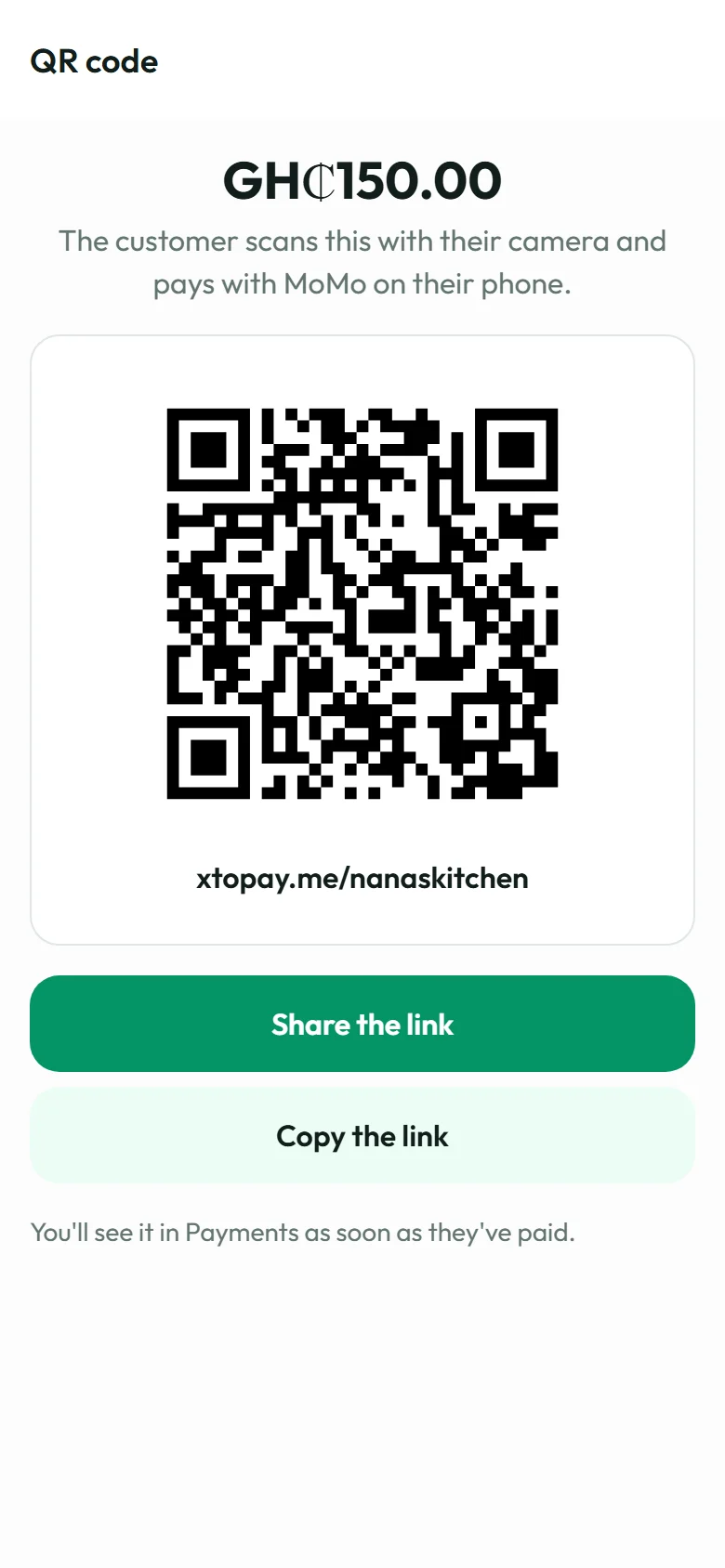
A QR code with the amount 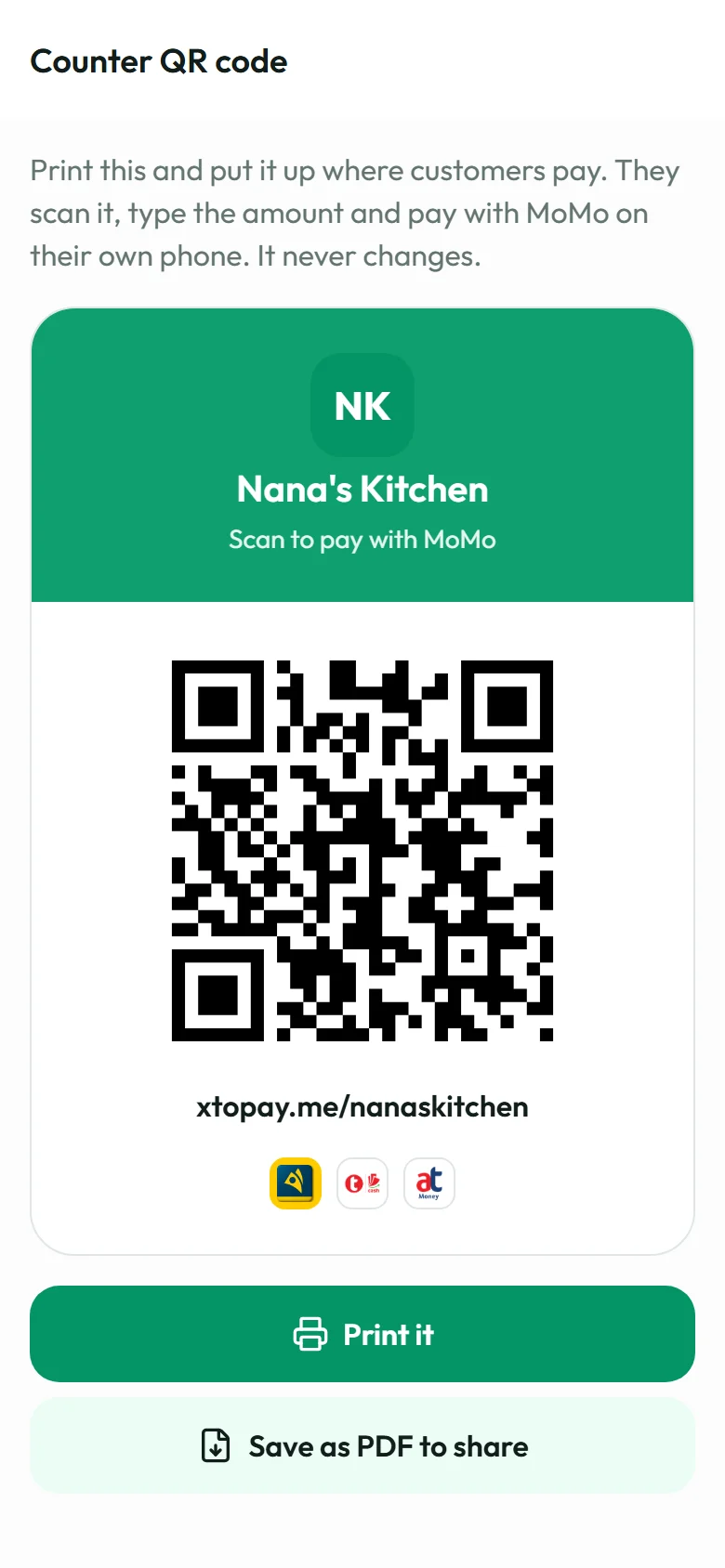
Your counter QR code
Your day at a glance
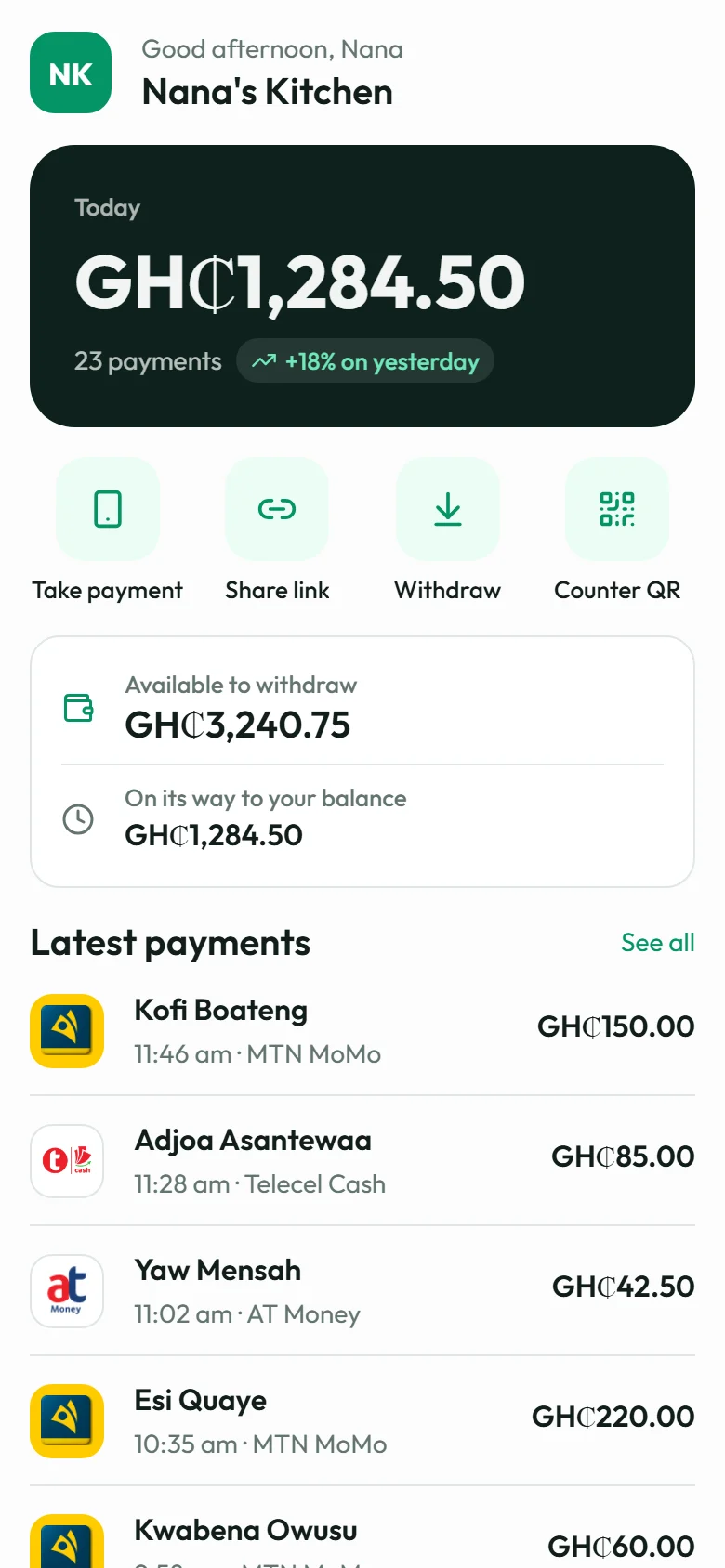
- Home shows today's takings beside yesterday's, what's available and what's still pending, and your latest payments.
- Payments lists all of them, newest first, by whether they're paid, waiting or failed.
- Withdraw sends your available balance to your payout account. The owner or an admin confirms it with a fresh code, as on the web.
Locked when you put it down
Switch on the lock in More, and the app asks for your face, your fingerprint or your phone's passcode every time it opens, and again after a minute away. When you switch apps, the lock screen covers it, so nobody glancing at your phone sees your balance.
The rest stays on the web
Links, invoices, payment pages, your team and your settings are still in the web dashboard, where there's room to work on them. More opens it in a tap.
Next, we're adding a notification on your phone the moment a payment comes in. If there's something you'd like the app to do at your counter, tell us: hello@xtopay.co.