Your business ID
Every business on Xtopay now has an 8-digit business ID. What it's for, where to find it, and why it will never change.
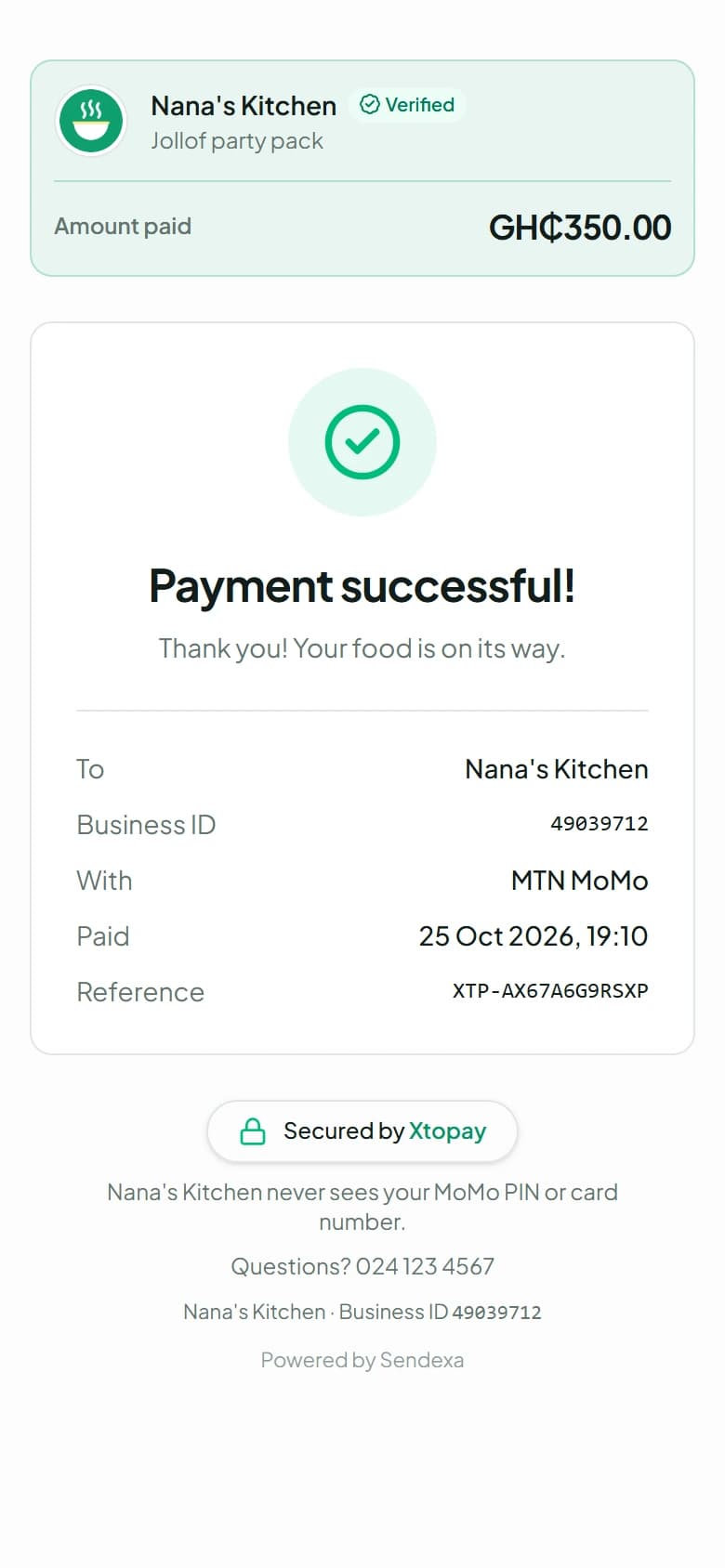
Your username is how customers find you: xtopay.me/nanaskitchen. But a username can be hard to read out over the phone, and you might change it one day. So every business on Xtopay now has a business ID as well: eight digits, such as 49039712, that are yours for good.
Where you'll see it
- On every receipt and invoice your customers get.
- In the emails we send you and your customers.
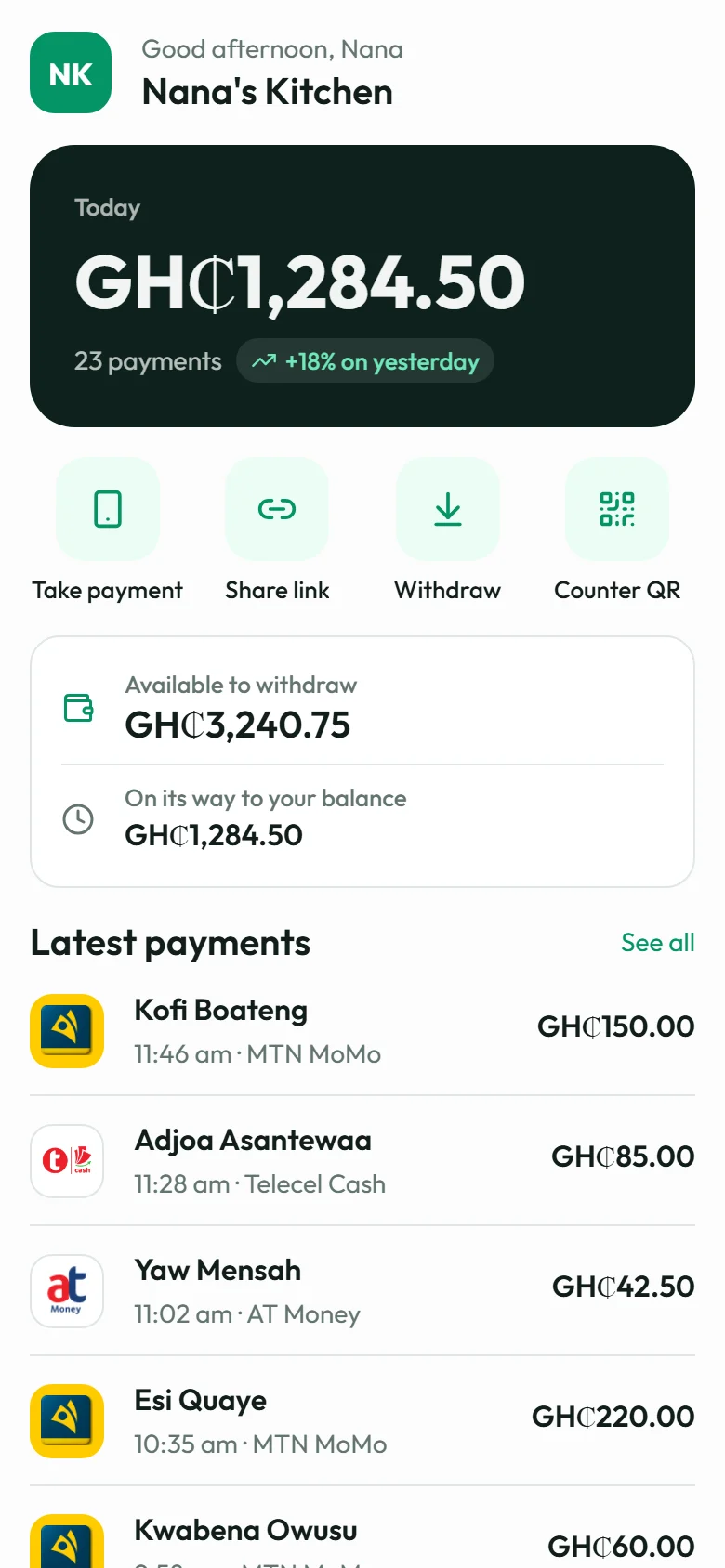
- In your dashboard: in Settings, and in the menu under your business's name.
- For developers, in the API and webhooks, as
business_id.
What it's for
Talking to us. When you call or write to support, give us your business ID and we can find your account straight away, without spelling out a name.
Telling customers who they paid. A customer with a receipt can quote your business ID to you or to us, and there's no doubt which business it was.
Your page. xtopay.me/49039712 opens your page, just like your username. It's handy where only numbers will do.
Built not to be mistyped
The last digit is a check digit, worked out from the other seven. Mistype a digit, or swap almost any two next to each other, and the ID won't be accepted, so a question doesn't land with the wrong business.
Usernames always have a letter in them, so a username can never be mistaken for a business ID.
It never changes
Your business ID is chosen at random when you sign up, and stays the same whatever else changes: your username, your business name, your logo or your colours. You don't need to do anything: yours is already in your dashboard.